
You can customise your email branding preferences in Lato to ensure emails sent from your account reflect your company’s identity. This includes adding your logo, choosing brand colours, updating the sender name/email, and setting default signatures. In this article, we explain where to find the branding settings and how to personalise each element so your travellers receive consistent, professional-looking emails.
How to Change Your Email Branding
Go to Settings > Branding
Find Branding information
Choose your brand colours, fonts and brand details
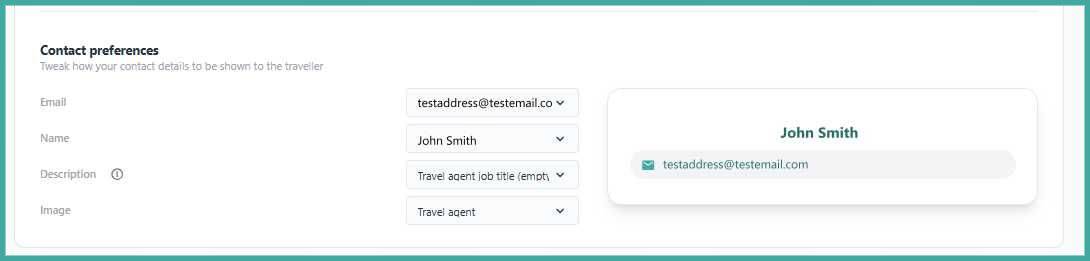
Navigate to "Contact preferences"
Choose to show your own or your company's details
Save the changes
Where This Setting is Shown
Travel App
At the top of all trip pages
Forwarded Trip Emails
The reply-to address can be set to the company’s email instead of the user’s